Registration & Verification at Fair Go Casino

Opening an account at Fair Go Casino takes one short form, and the account can be used straight away. This guide covers sign-up, the rules for new accounts, logging in and the identity check the casino runs before the first payout.

New players aged 18 or over can add a 100% welcome bonus up to $200 to the first deposit with the code WELCOME.

Registration and account verification at Fair Go Casino Australia

How to Sign Up at Fair Go Casino

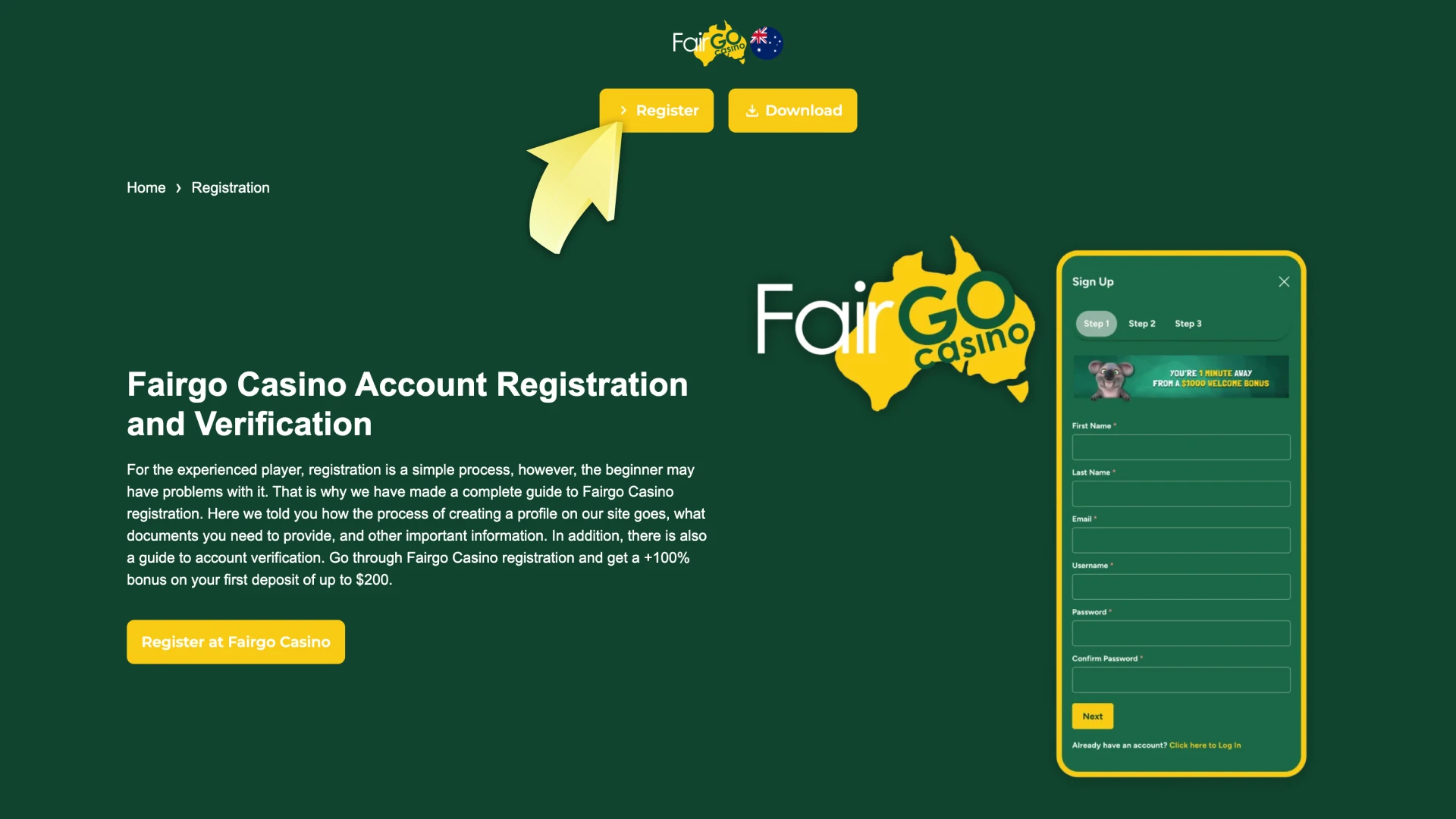
Registration takes three steps and one short form.

Step 1

Open the Official Fair Go Casino Website

Go to the official Fair Go Casino website and select ‘Sign Up’.
Sign Up button on the official Fair Go Casino website
Step 2

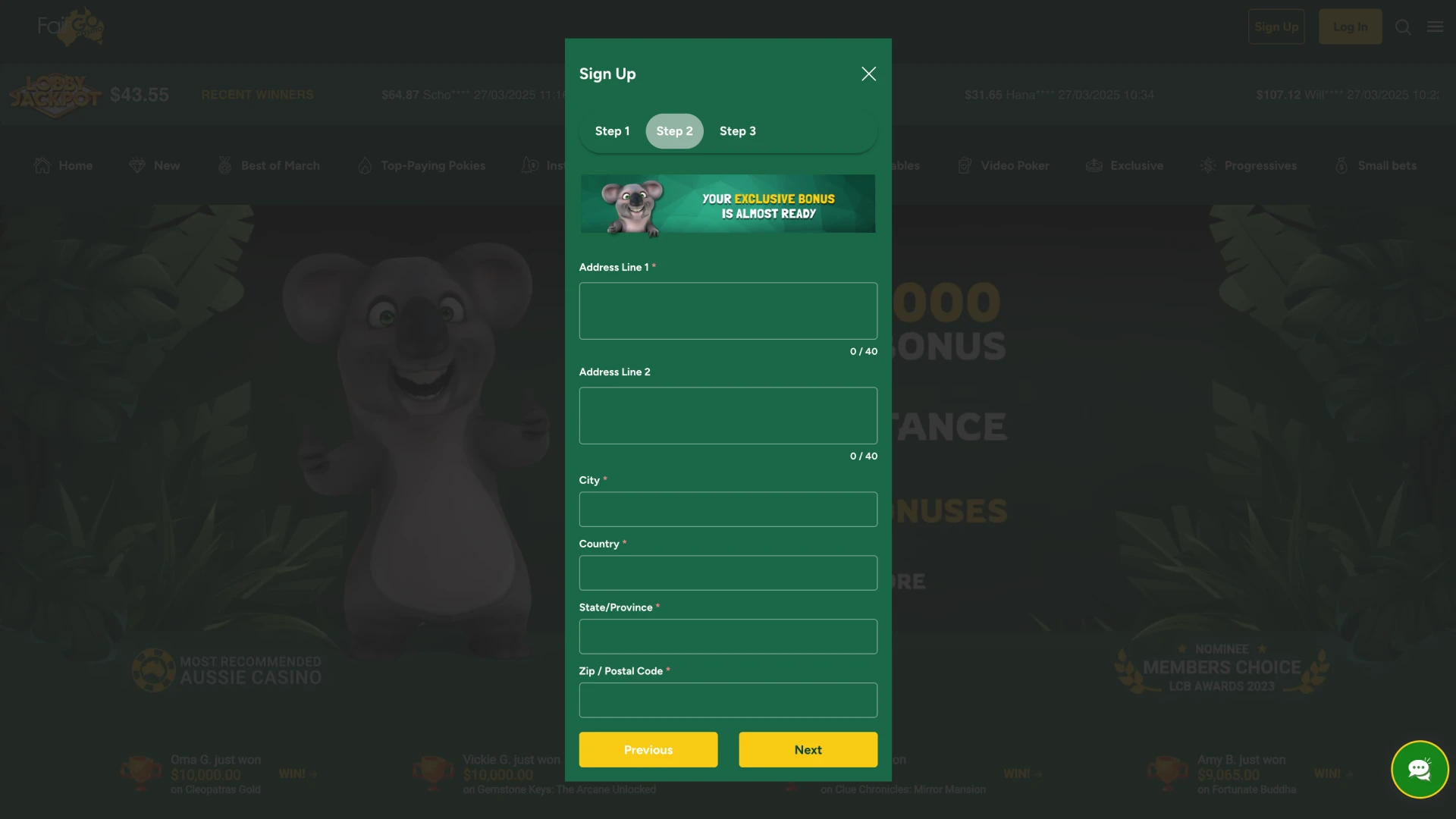
Fill In the Registration Form

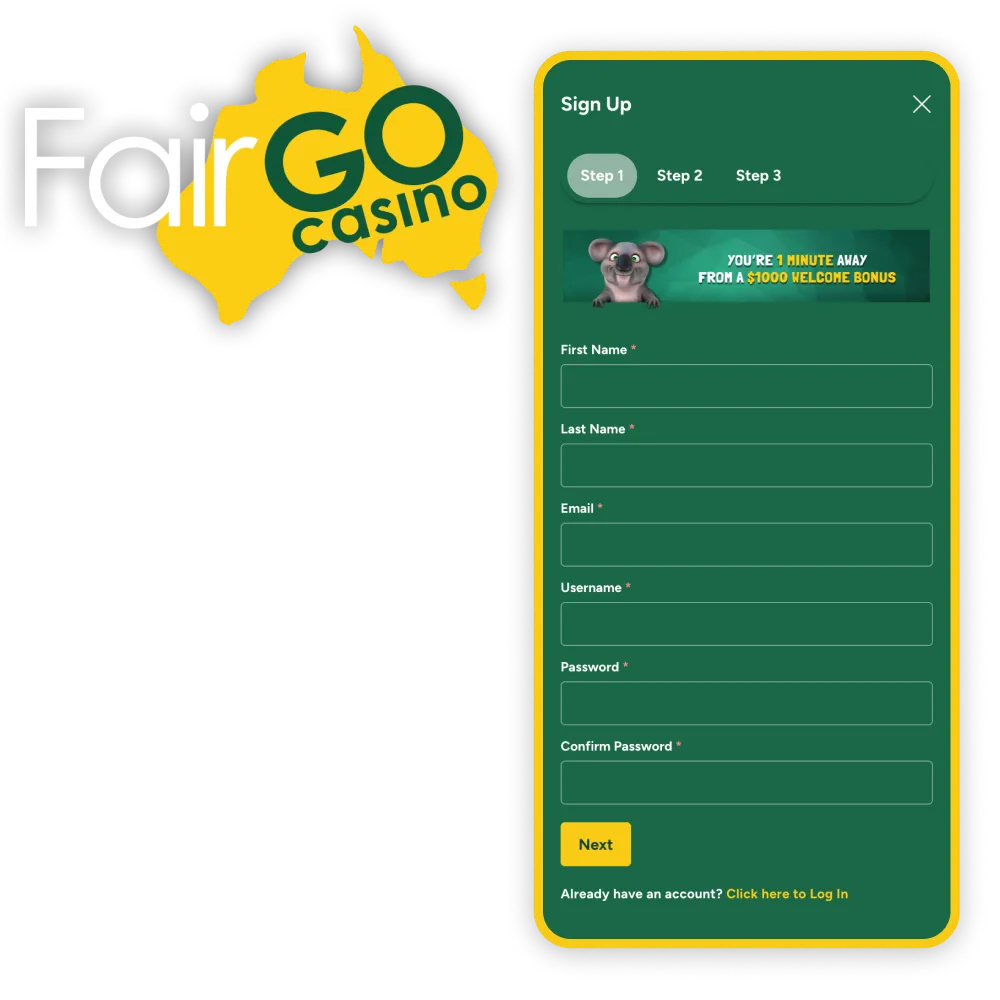
The form asks for personal and contact details. Enter them as they appear on your ID, because the casino checks them against documents before a payout.

Fair Go Casino registration form with personal and contact details
Step 3

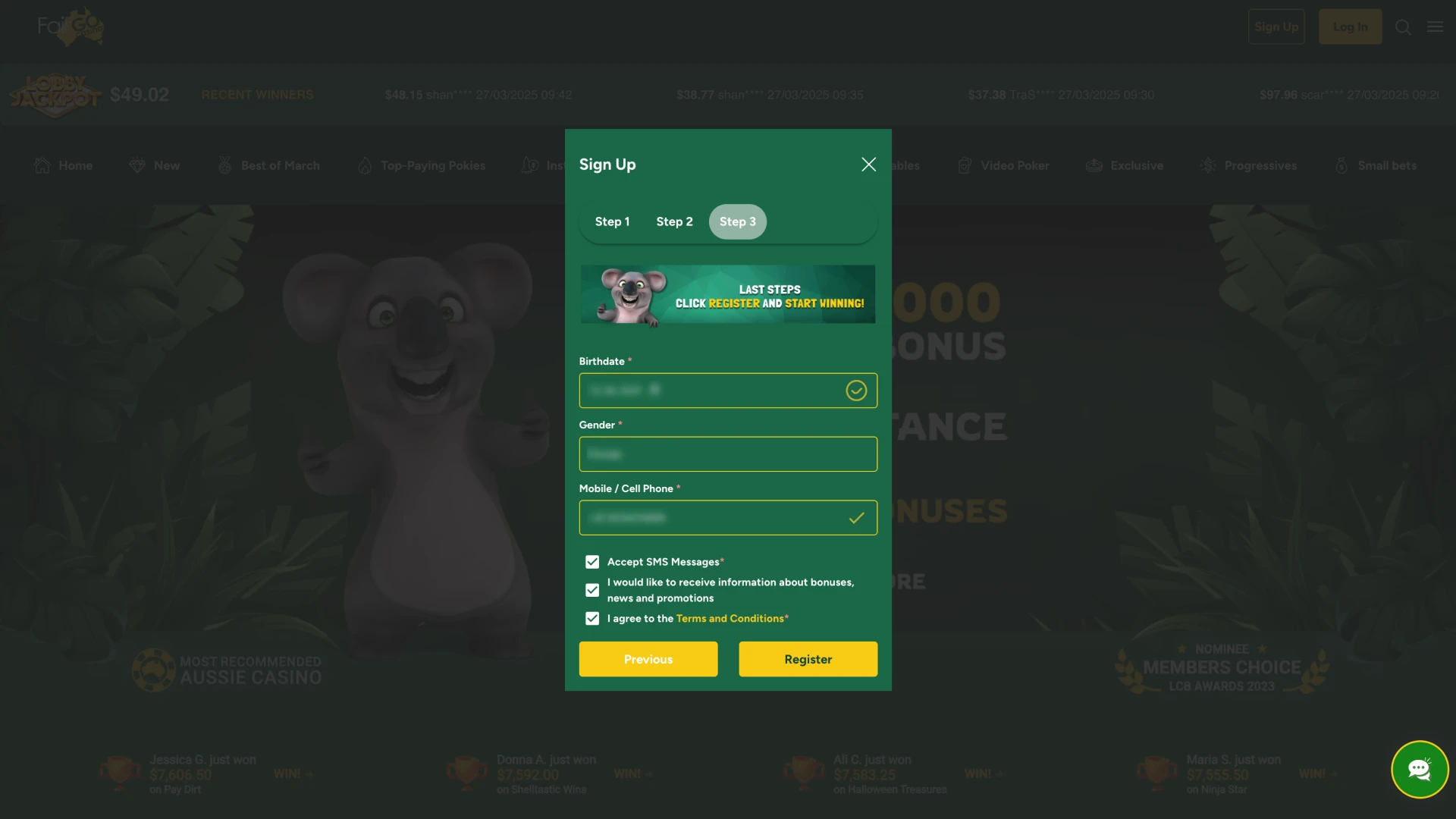
Submit the Form

Check the details and submit the form. The account is available at once and can be used to log in.

Submitting the completed sign-up form to open a Fair Go account

Use real, accurate details when registering. Under Fair Go’s terms, false registration details are grounds for closing an account and voiding winnings, and withdrawals are paid only after the details have been checked against documents. If personal details change later, the casino’s support team can explain how to update them.

Bonuses for New Accounts

A new Fair Go account can use the casino’s promotions from the first deposit. Three of them are outlined below; the full list with terms is on the bonuses page. Only one bonus can be active at a time, and a code has to be redeemed before the deposit is played.

Welcome Bonus

The welcome bonus is 100% up to $200 with the code WELCOME, and it can be redeemed on each of the first five deposits, up to $1,000 in total. The minimum deposit is $20, the wagering requirement is 30x the deposit plus bonus, and the maximum bet while wagering is $10. The code is entered before the deposit: under ‘Cashier’ → ‘Coupons’ on a computer or in the ‘Bonuses’ tab of the bottom menu on a phone.

Fair Go welcome bonus for new accounts: 100% up to $200 with the code WELCOME

Game of the Month Bonus

Each month Fair Go Casino names a Game of the Month. Play on that game earns double Comp Points, and a deposit bonus with free spins is tied to it. The game and the size of the bonus change every month, so the current terms are shown on the casino’s promotions page. Every 100 Comp Points can be exchanged for $1.

Game of the Month at Fair Go Casino with double Comp Points and free spins

Instant Cashback

A deposit of $10 or more that was made without a bonus and lost can bring 25% of it back as Instant Cashback. The cashback is requested through Live Chat once the balance is below $1, and it carries a 20x wagering requirement. VIP players get up to 40%.

Instant Cashback of 25% on a lost deposit at Fair Go Casino

How to Sign Up on a Phone

Fair Go Casino has no separate app: on a phone the casino runs as a mobile site in the browser, and the sign-up form is the same. On a small screen the steps look like this.

Step 1

Open the Mobile Site and Tap ‘Sign Up’

Open the official Fair Go Casino website in the phone’s browser (the casino recommends Google Chrome) and tap ‘Sign Up’.

Fair Go Casino mobile site in a phone browser with the Sign Up button
Step 2

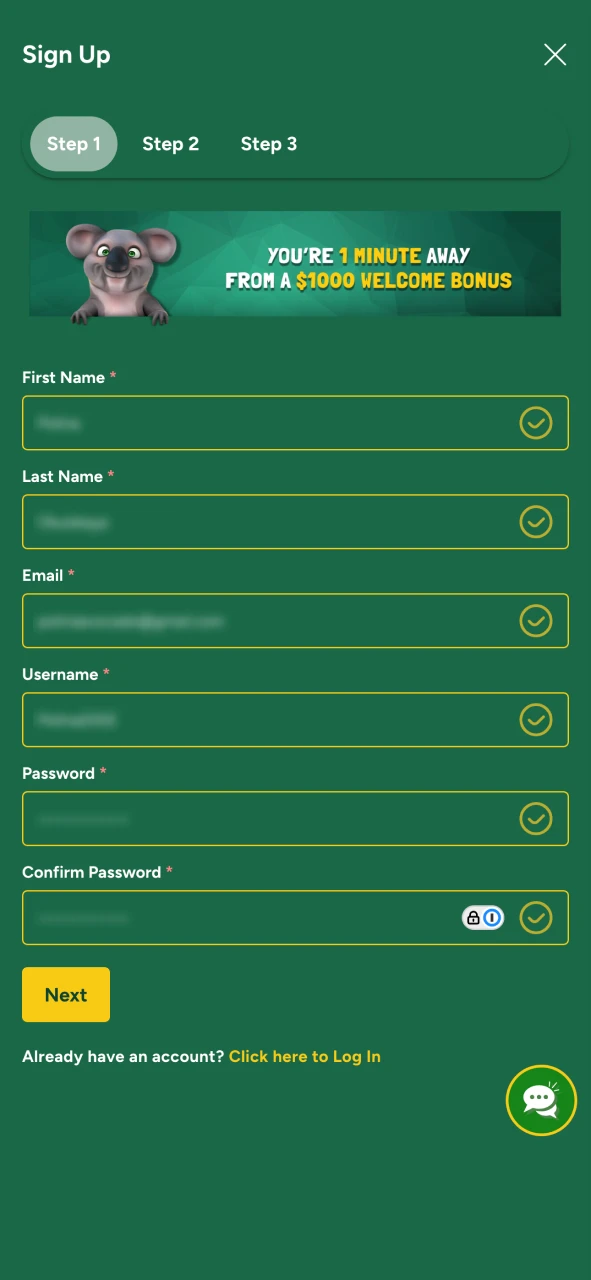
Fill Out the Registration Form

Type in the personal and contact details the form asks for. They should match the ID that will be used for verification.

Filling out the Fair Go registration form on a phone
Step 3

Confirm Your Age and Accept the Terms

Registration is open to players aged 18 or over, and opening an account means accepting Fair Go’s terms and conditions.

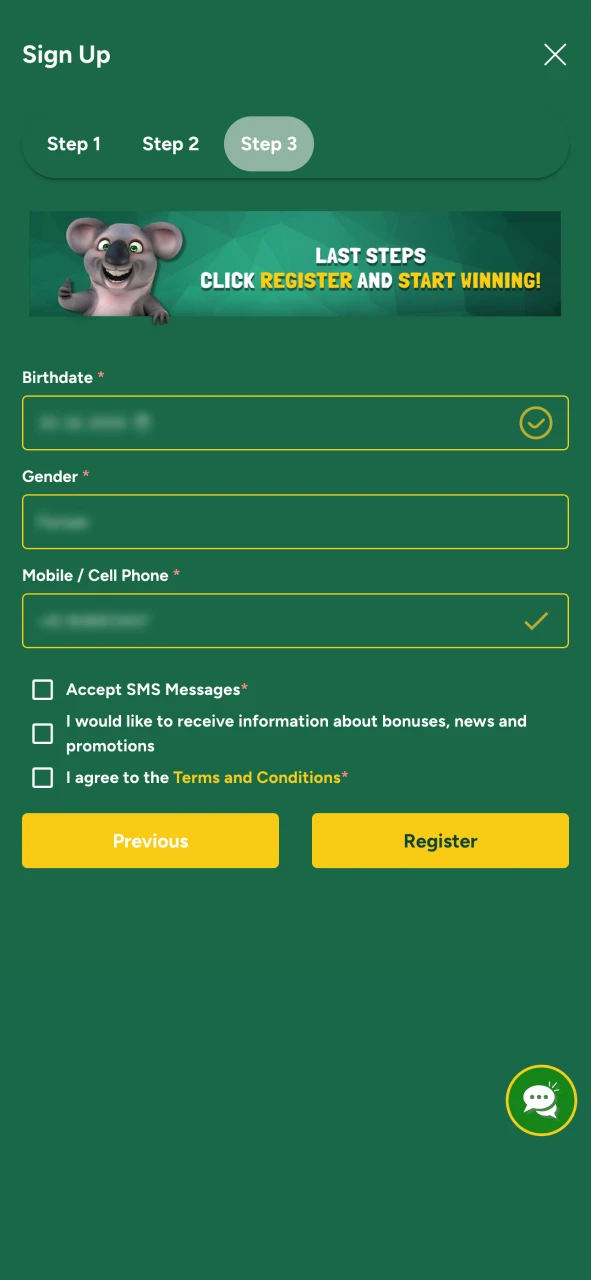
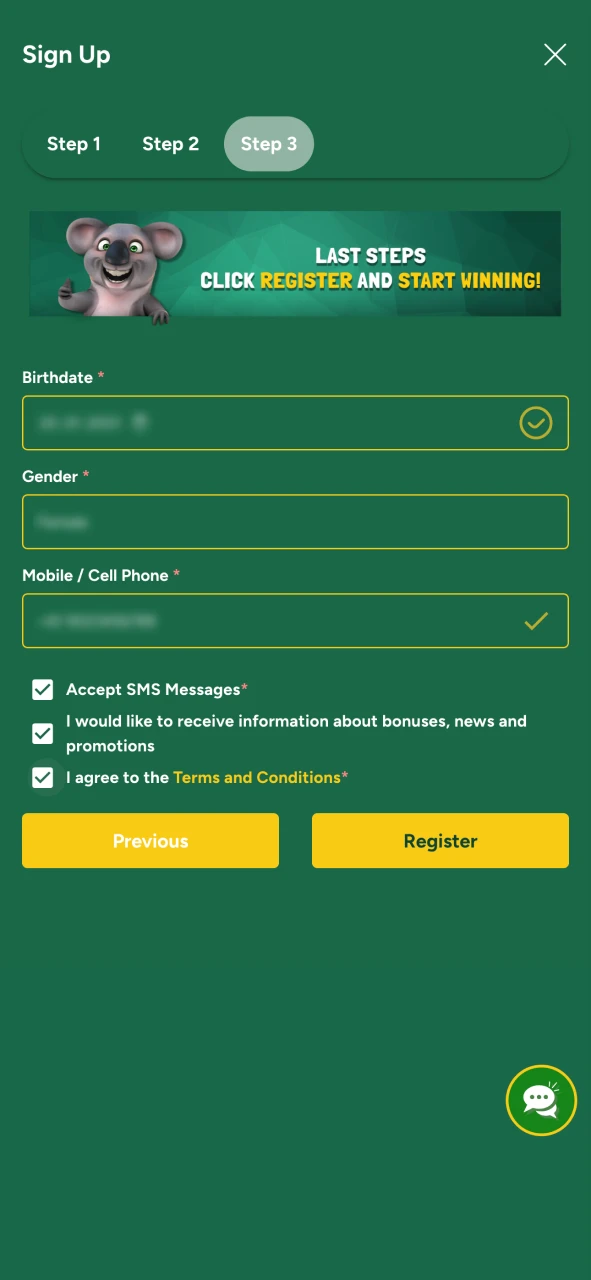
Confirming age 18+ and accepting the Fair Go terms and conditions at sign-up
Step 4

Complete the Registration

Submit the form. The new account works at once on the phone and on any other device.

Completing registration at Fair Go Casino on a phone

Registration Requirements

Fair Go’s terms set a few conditions for every new account:

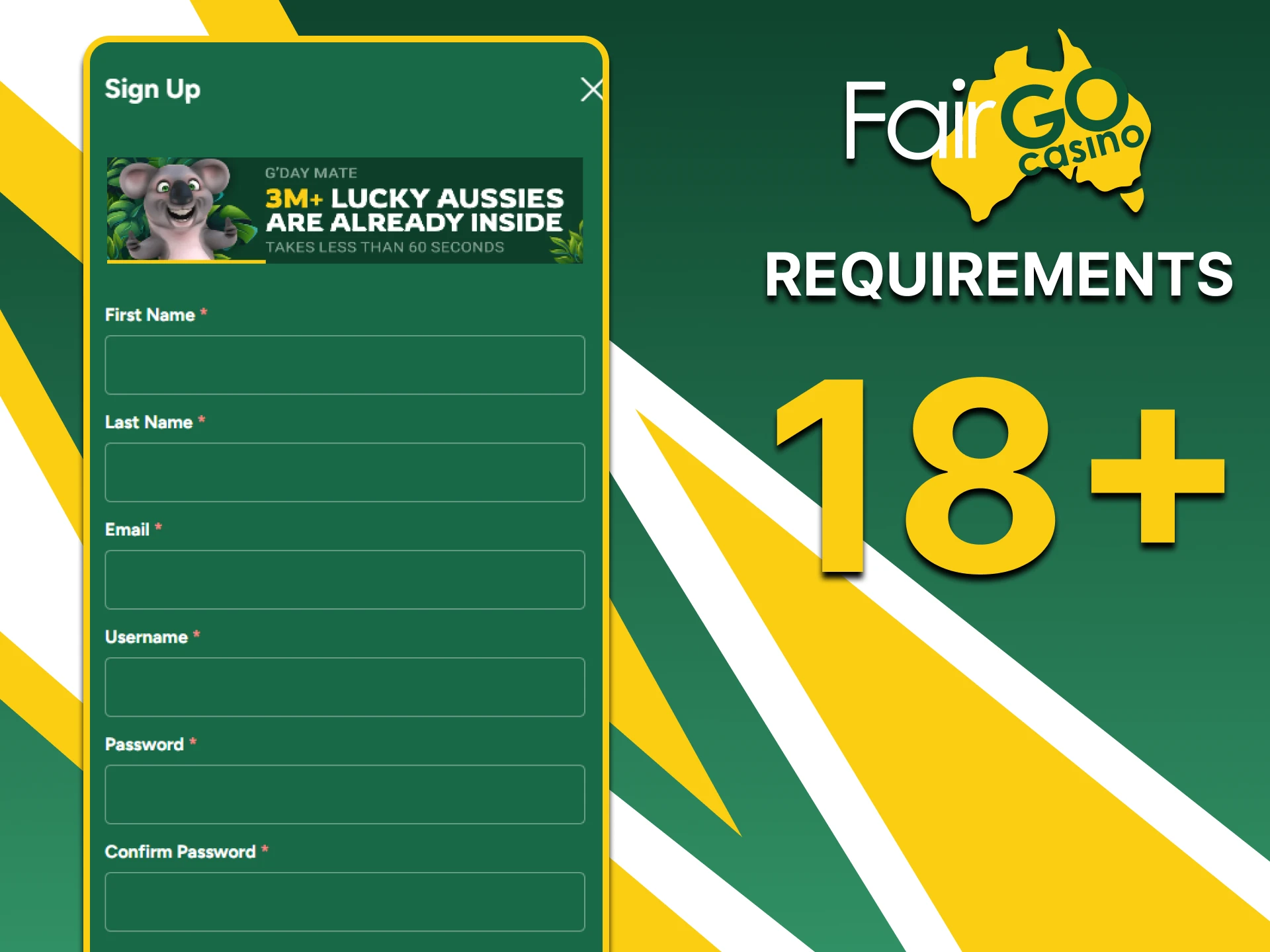
  • Age. Players must be 18 or older;
  • One account. Only one account is allowed per person, household and IP address, and duplicate accounts can be closed with their winnings voided;
  • Accurate details. The name and address must match the documents used for verification, and payment methods must belong to the account holder;
  • Local law. Fair Go’s terms make each player responsible for checking that online gambling is permitted where they live.
Registration requirements at Fair Go Casino: 18+ and one account per player

How to Log In to Fair Go Casino

Logging in takes a few moments:

  1. Open the official Fair Go Casino website.
  2. Select ‘Log In’.
  3. Enter the username and password chosen at sign-up.
  4. Confirm to open the account.

Under Fair Go’s terms the player is responsible for keeping the password private and for everything done under the account.

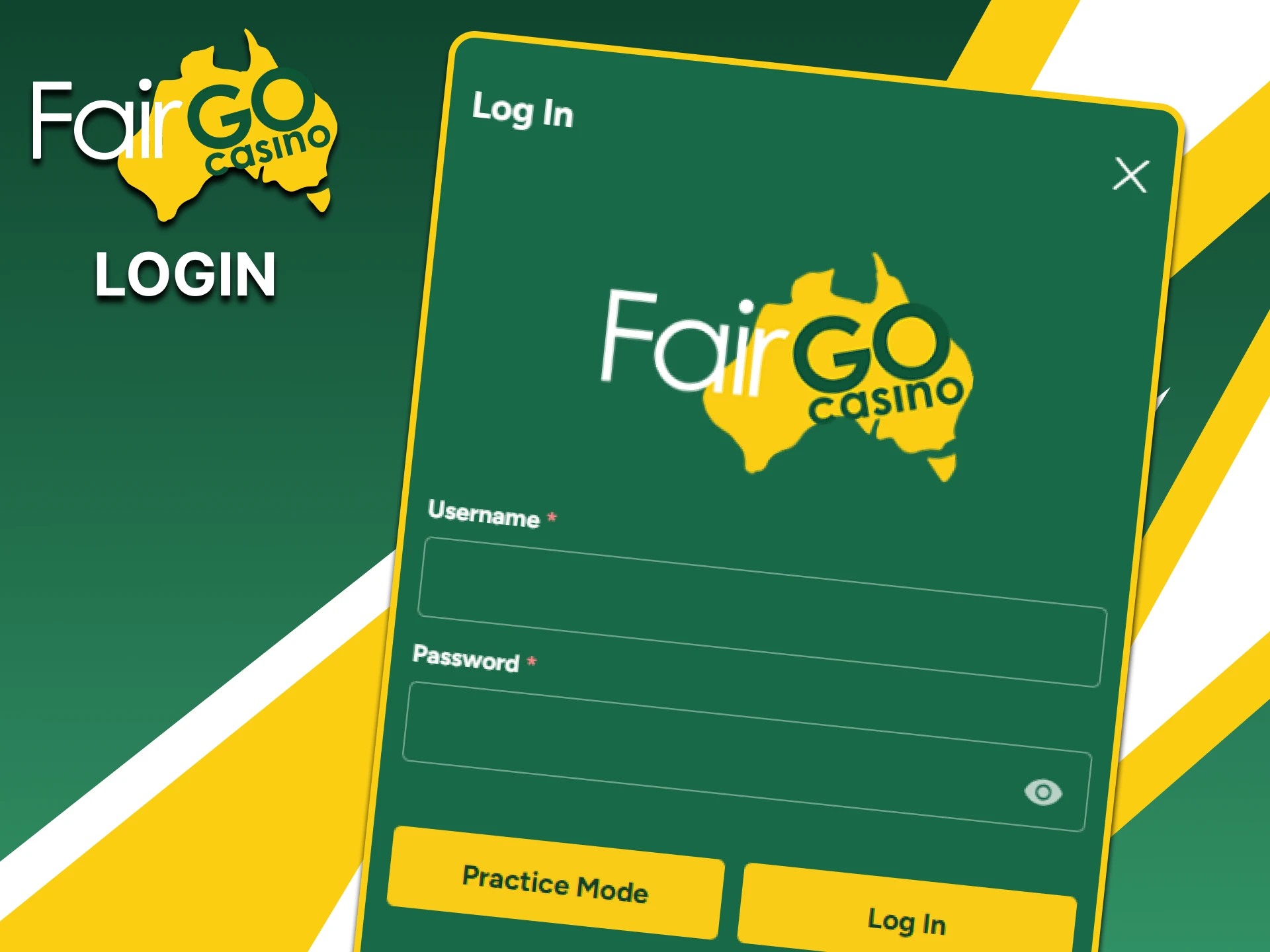
Log In form on the Fair Go Casino website with username and password fields

Account Verification at Fair Go Casino

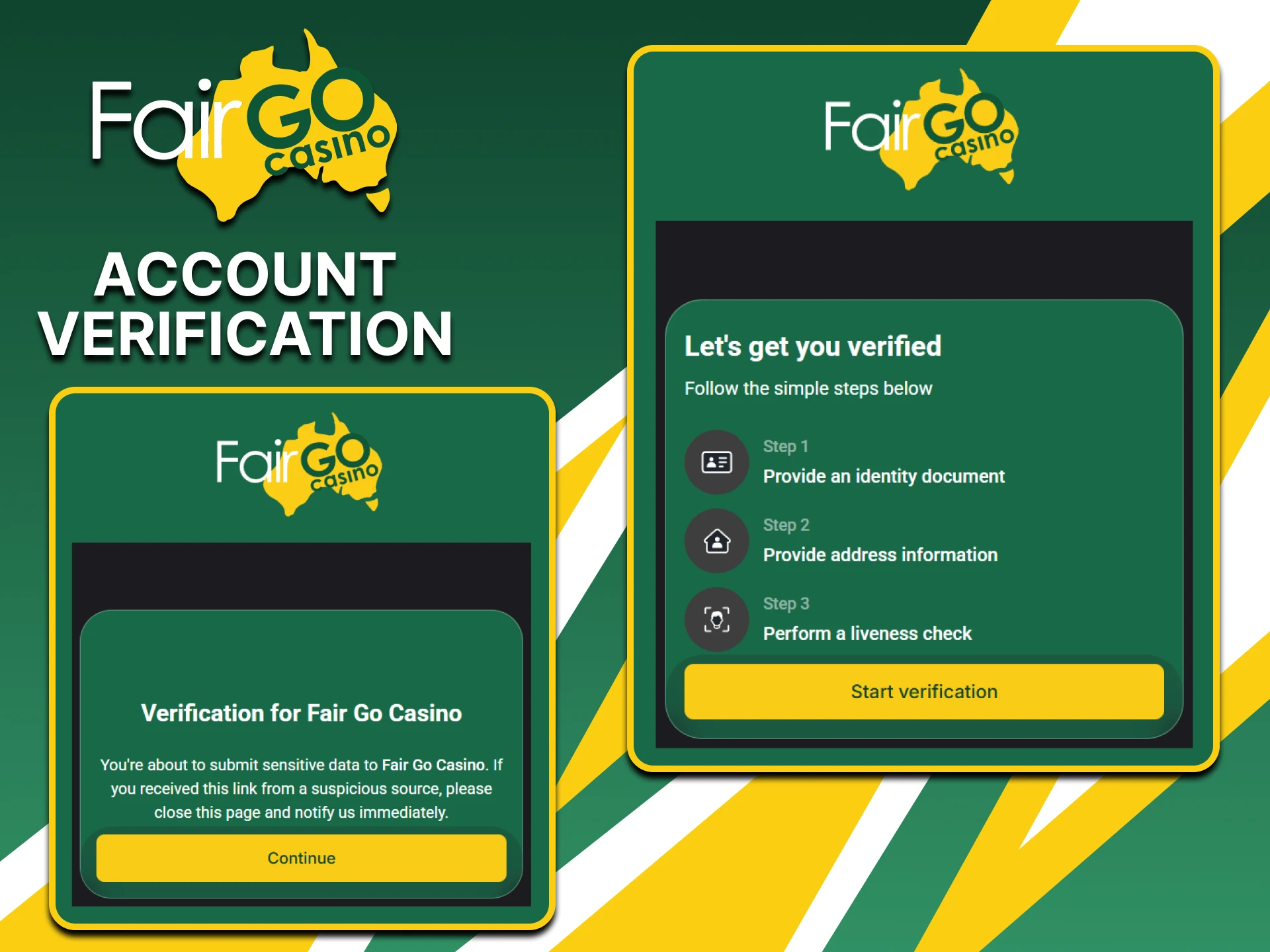
Verification is mandatory before Fair Go Casino pays out. The check confirms a player’s age and identity and makes sure winnings go to the owner of the account. Documents are uploaded in the cashier when a payout is requested. The casino does not publish how long the check takes, so it is sensible to prepare clear copies in advance.

Where to Upload Documents

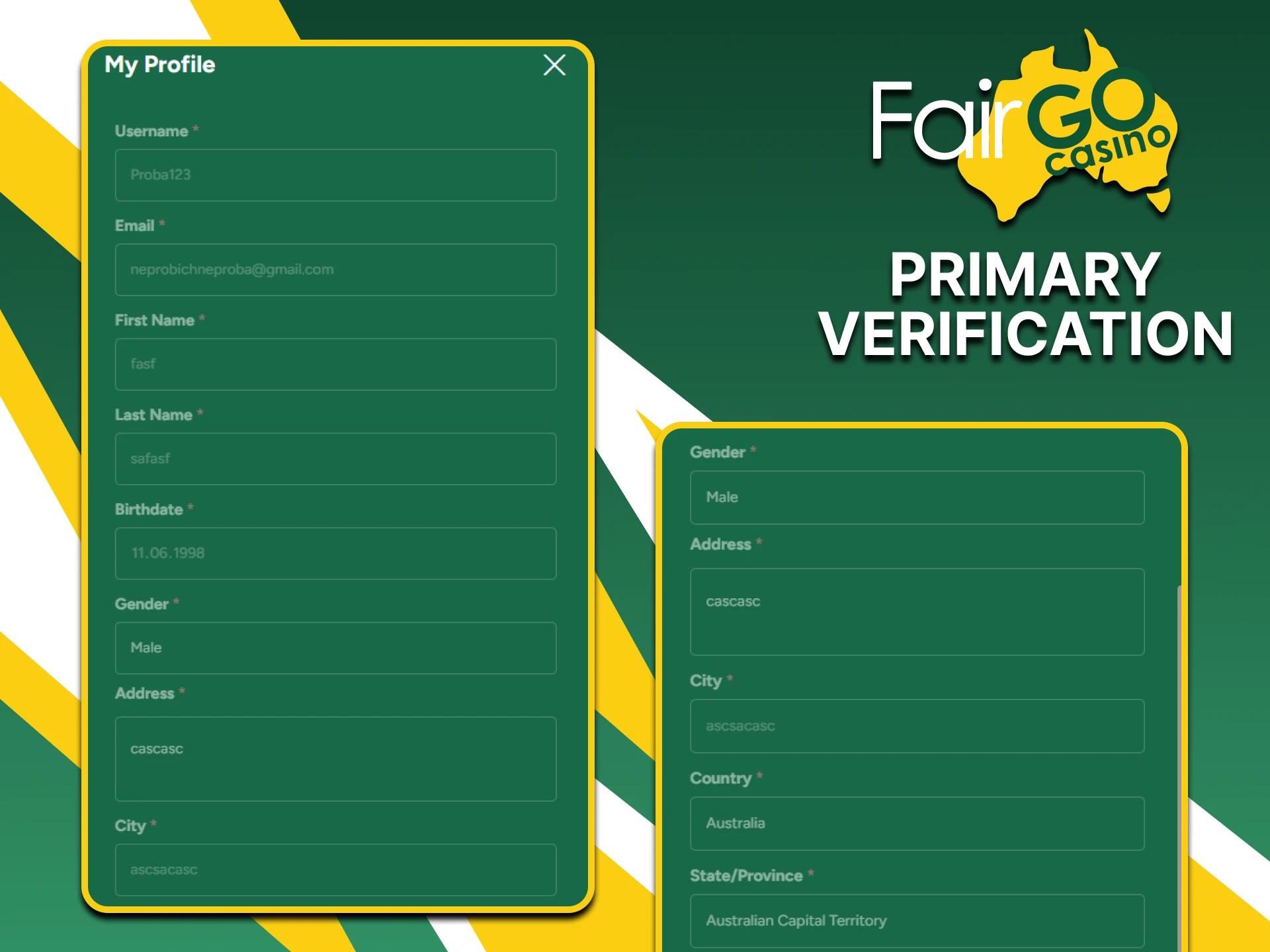
Open the cashier, go to the ‘Withdraw’ tab and choose ‘Account Verification’. The section gives the upload instructions. Copies should be in colour, show the whole document and be easy to read. Fair Go’s privacy policy explains how these personal data are stored and used.

Account Verification section in the Withdraw tab of the Fair Go cashier

Documents Required for Verification

According to Fair Go’s verification page, the casino asks for:

  • Photo ID. A colour copy of a passport, national ID card or driver’s licence, both sides;
  • Proof of address. A utility bill or a bank or card statement no older than three months;
  • Payment method. For card deposits, a copy of both sides of the card; for an e-wallet, a screenshot of the account;
  • Selfie. A photo of the player holding the ID, if the casino asks for one.

The terms also allow the casino to ask for the source of funds at a later stage.

Documents for Fair Go verification: photo ID, proof of address and payment method

How to Recover Access to a Fair Go Account

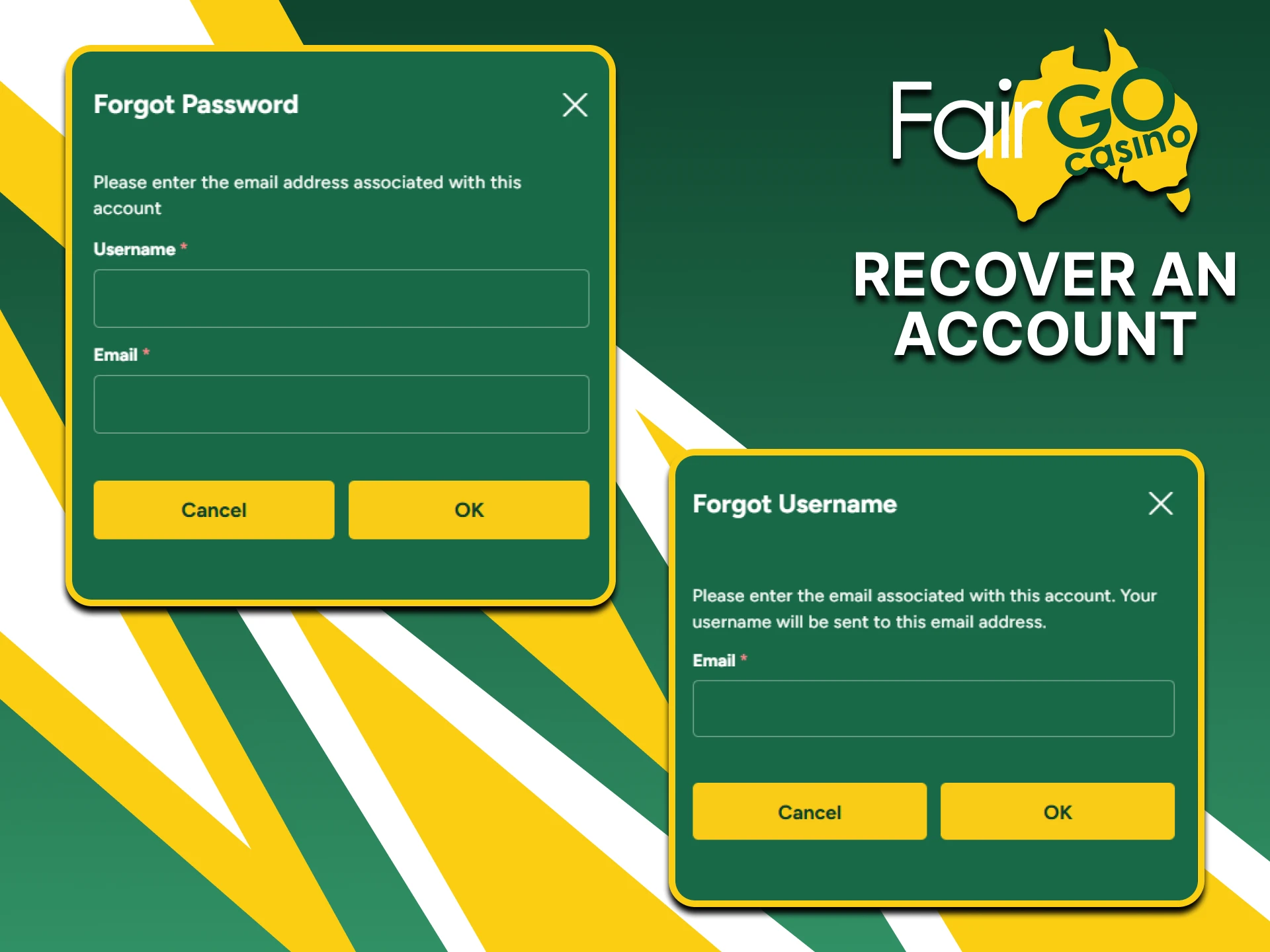
A player who cannot log in should contact Fair Go support by Live Chat, email or a call-back request; the team works 24/7. It helps to have the email address used at registration ready so that the account can be found. Opening a second account instead is not an option, because the terms allow only one account per player.

Recovering access to a Fair Go account through 24/7 support

FAQ

Is registration at Fair Go Casino free?

Yes. Opening an account costs nothing and no deposit is needed to register. Money is only required for real-money play, and the casino also has a free ‘fun’ mode.

Can two people in one household have separate accounts?

No. Fair Go’s terms allow one account per person, household and IP address. Extra accounts can be closed and their winnings voided.

When does Fair Go ask for documents?

At the first payout request. Documents are uploaded under ‘Account Verification’ in the ‘Withdraw’ tab of the cashier, and no withdrawal is paid before the check is passed.

How long does verification take?

Fair Go does not publish a time frame. Clear colour copies of the ID and a proof of address dated within the last three months help to avoid repeat requests.

Does the name on a payment card have to match the account?

Yes. Cards and other payment methods must belong to the account holder. A mismatch between the name on the card and the name on the account is one of the reasons the terms give for closing an account.

Comments

The value is incorrect

The value is incorrect

The value is incorrect

Something went wrong. Please, try again later

Your comment has been sent!

Updated: